Free starter kit / Version 1.0
Explain the product.
Skip the visual noise.
A small, reusable vocabulary for SaaS architecture diagrams. Start with the relationship you need to explain, then use consistent shapes, labels and connectors to make it readable.
ONE PRODUCT. TWO KINDS OF WORK.
API / The entry point
Show where the request enters the product. Label the relationship so the arrow explains more than direction.
Select a node to see the thinking behind it.
15 building blocks · SVG + JSON + Markdown
Your next diagram starts here.
No signup. The ZIP includes individual SVGs, an overview sheet, a worked example, generic brand tokens, a checklist and usage instructions.
Download the free kit (.zip)Editable vectors for Figma and other SVG-compatible tools. This is not a native .fig file or a preconfigured Figma component library.
THE PARTS BEFORE THE PICTURE
Small pieces. Clear relationships.
Every block below is included as an editable SVG. Combine the pieces around the story your product needs to tell.
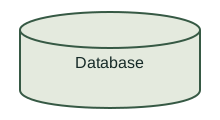
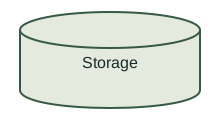
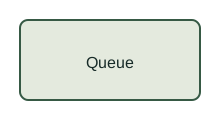
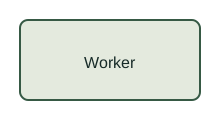
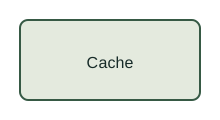
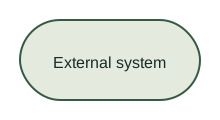
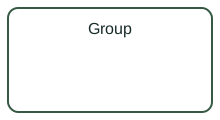
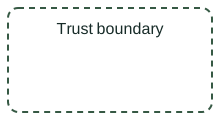
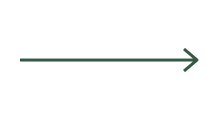
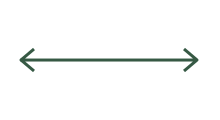
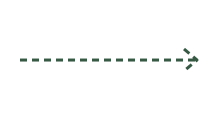
Also inside: a worked example, generic multi-product token JSON, a review checklist and usage instructions. The SVG blocks are the download; the interactive explorer above demonstrates how to think about them.
Use it in three passes
- Write the story. Name the reader, the question and the path they should follow. Remove anything that does not help answer it.
- Compose the flow. Import the SVGs into your design tool. Edit the labels, arrange the nodes and connect them. In Figma, turn repeated groups into components if you need a shared library.
- Check the meaning. Have a technical owner confirm every relationship. Review labels at the intended display size and keep a text explanation beside the finished diagram.
Arrows and boundaries are communication tools, not a validated architecture. Adapt the example to your system and check it with its technical owner.
Usage & attribution
Free to edit and use in personal and commercial projects. Attribution is appreciated but not required. Client artwork, trademarks and source files are not included. The included licence covers these original starter assets only.
Need a system for your actual product?
See how the Datamotive work connects brand foundations, technical storytelling and a production website.
FOR THE PRODUCT YOU’RE BUILDING
Bring me
the messy part.
The complicated product story. The growing brand family. The visuals that never quite fit together. Let’s turn it into a system your team can use.
Discuss a project