iSequalTo
A template-based visual system behind a vector library of 10,000+ curriculum graphics for an edtech app, used across the design team.
400+ base templates
10,000+educational graphics


At a glance
iSequalTo Learning Systems is a Mumbai edtech company whose app needed thousands of diagrams, puzzles, quizzes and interface graphics. As Graphic Designer from February 2019 to April 2021, I designed the visual language, a shared component library and a template system, and built a vector asset library of over 10,000 graphics used across the design team. The team kept producing with the system after I left.
- Company
- iSequalTo Learning Systems · edtech, Mumbai
- Role
- Graphic Designer · Feb 2019 – Apr 2021
- System
- Subject palettes, a type scale, reusable diagram components and base templates
- Output
- A vector library of 10,000+ graphics, used across the design team
Related service:Visual Design Systems
01 Problem
A curriculum outpacing its illustrators.
An edtech app needed thousands of graphics — diagrams, puzzles, quizzes, avatars — across the K-12 syllabus. Hiring illustrators per project meant uneven quality, slow turnaround and compounding cost.
And educational graphics carry constraints commercial illustration doesn’t: legible at small sizes, in print and on screen, for a ten-year-old and a sixteen-year-old alike. Authoritative without being intimidating.
Not a creativity problem. A systems problem.
02 Role
Designer of the system, not the drawings.
- Visual language
- Icon set, type scale and a palette assigned by subject.
- Component library
- Reusable diagram blocks: labels, leaders, cells, organs, apparatus.
- Template matrix
- Flowcharts, comparisons, processes, anatomical labels, timelines and data viz, across four subjects.
- Production workflow
- Brief form to Figma to export, usable by non-designers.
- In-app graphics
- Puzzles, quizzes and UI elements for the app itself.
- Characters
- Avatars and illustrations for the product and its social channels.
03 Thinking
The template is the design.
Every asset is an instance. If the template is right — hierarchy, label logic, colour by subject, legibility at size — the ten-thousandth diagram is as good as the first, and it costs a fraction of it.
This was built before Figma’s Auto Layout matured, so the system leaned on constraints, shared libraries, colour styles and strict naming. Junior designers could navigate it without training.
04 System
Subject + concept + age → asset.
- 01BriefA 12-field form: subject, concept, age group, diagram type.
- 02SelectThe matching template from a 400+ base matrix.
- 03SubstituteLabels, subject palette and component swaps from the shared library.
- 04ExportA production file, with nothing redrawn by hand.
Base templates
400+
Assets produced
10,000+
The pipeline is the deliverable. The diagrams below are what it produced.
05 Execution
Instances, by subject.
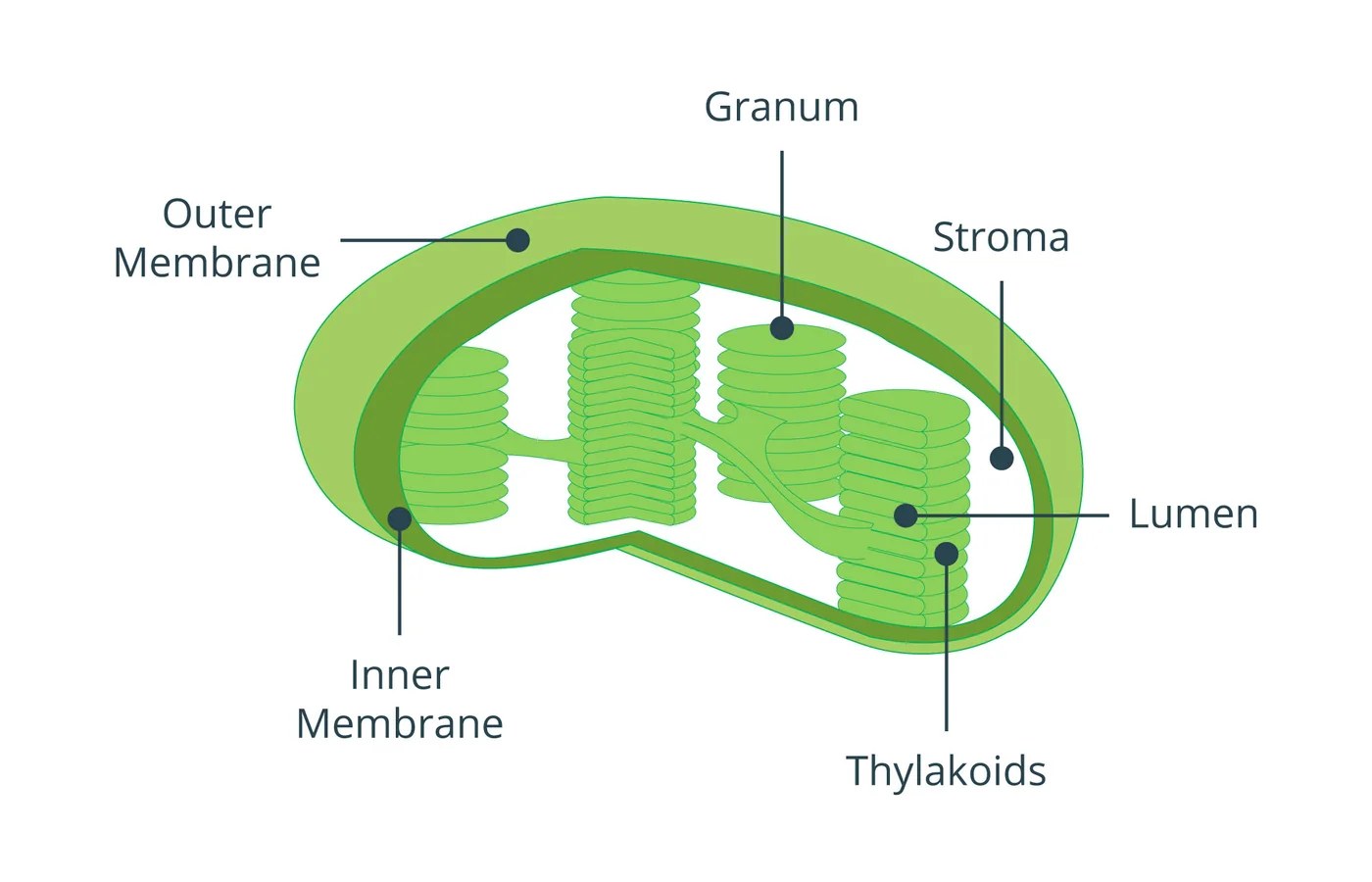
Fig. 01Chloroplast structure · Botany 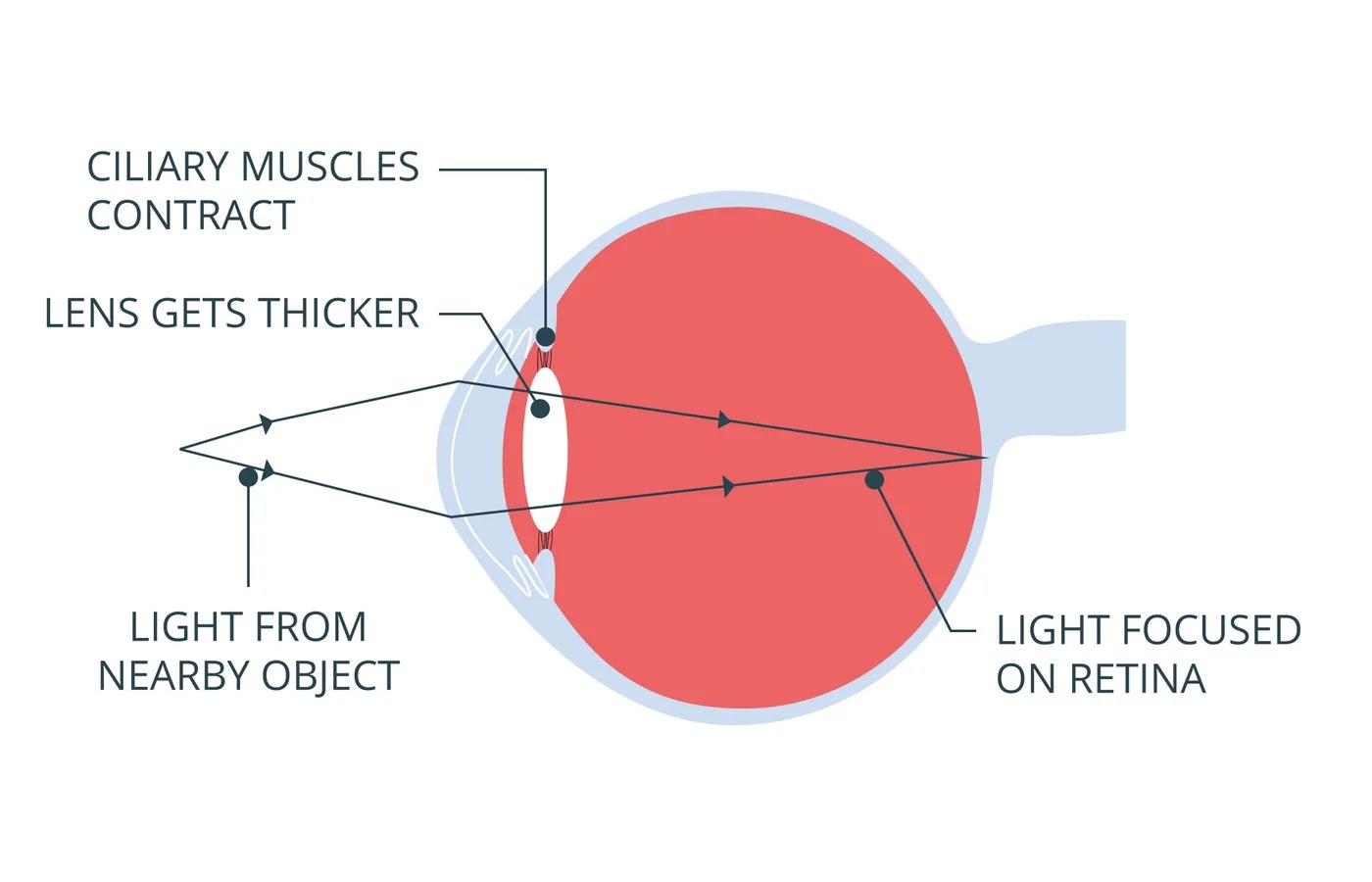
Fig. 03Lens contraction · Physics 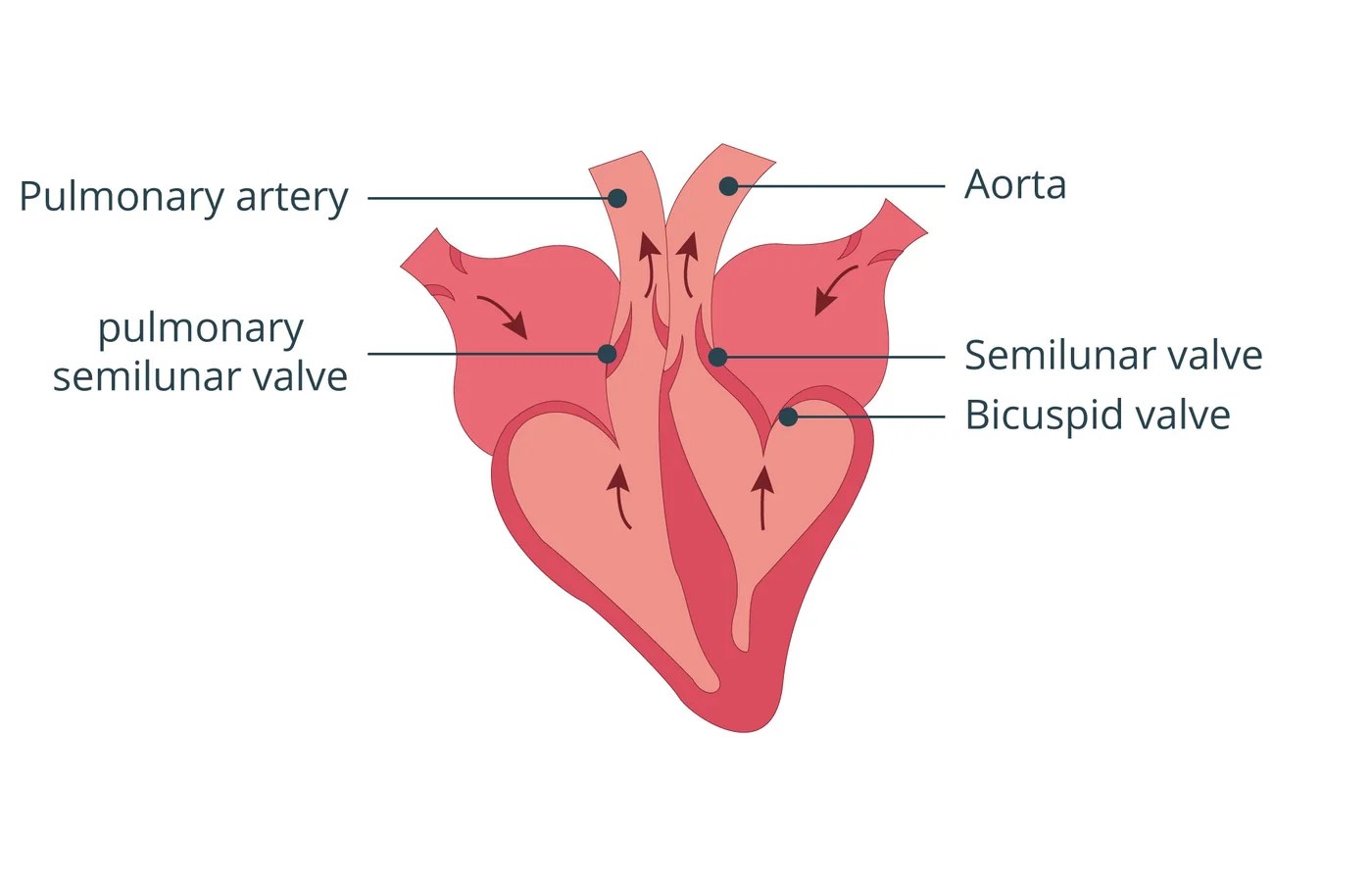
Fig. 04Ventricular systole · Anatomy 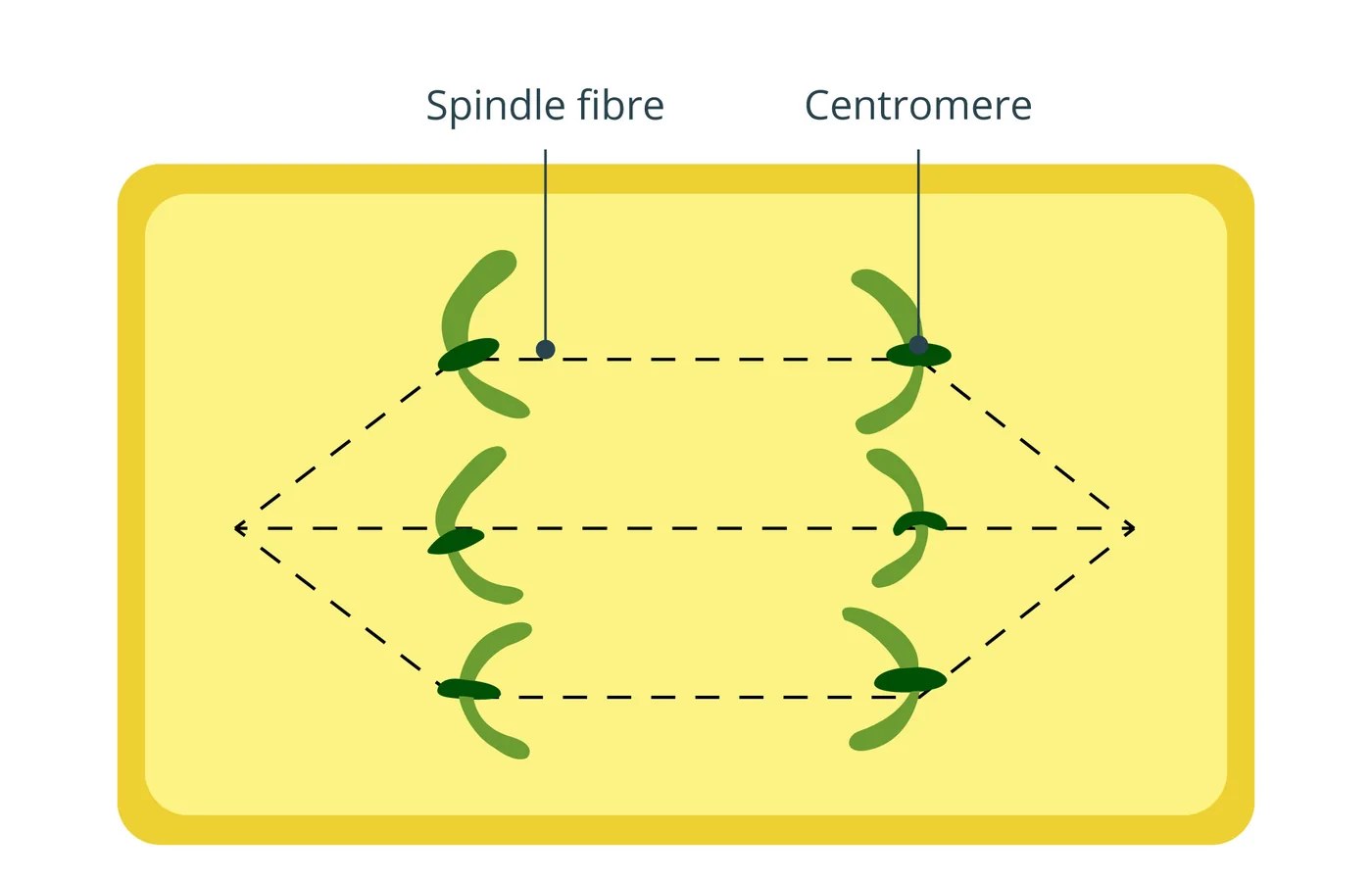
Fig. 05Anaphase · Cell biology 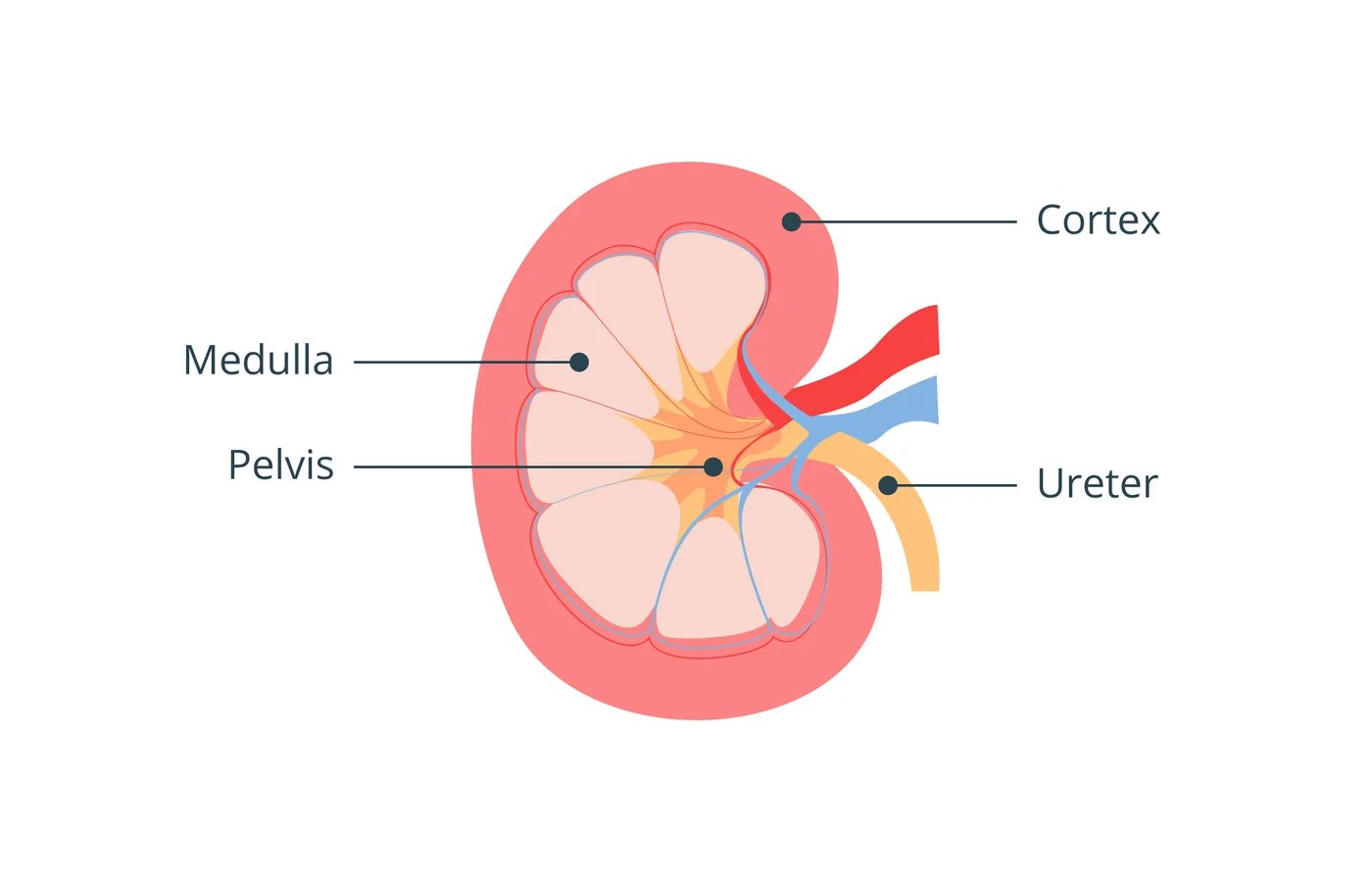
Fig. 06Kidney · Anatomy 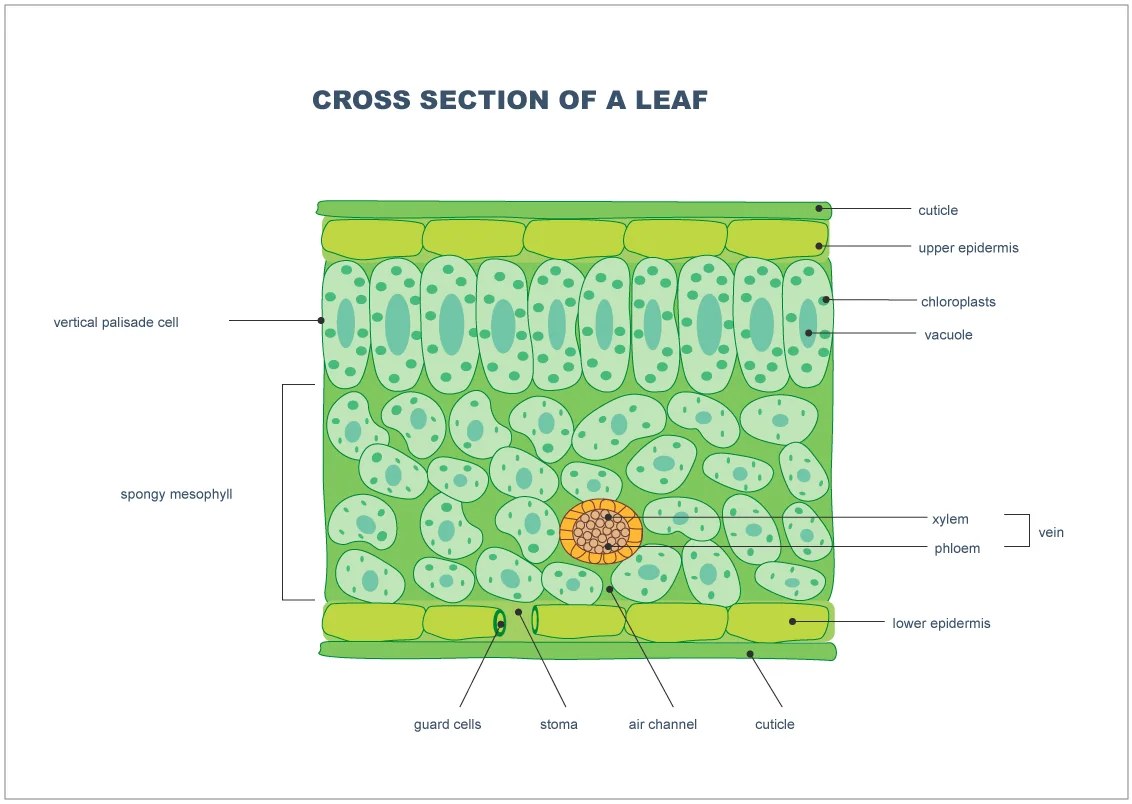
Fig. 07Leaf cross-section · Botany 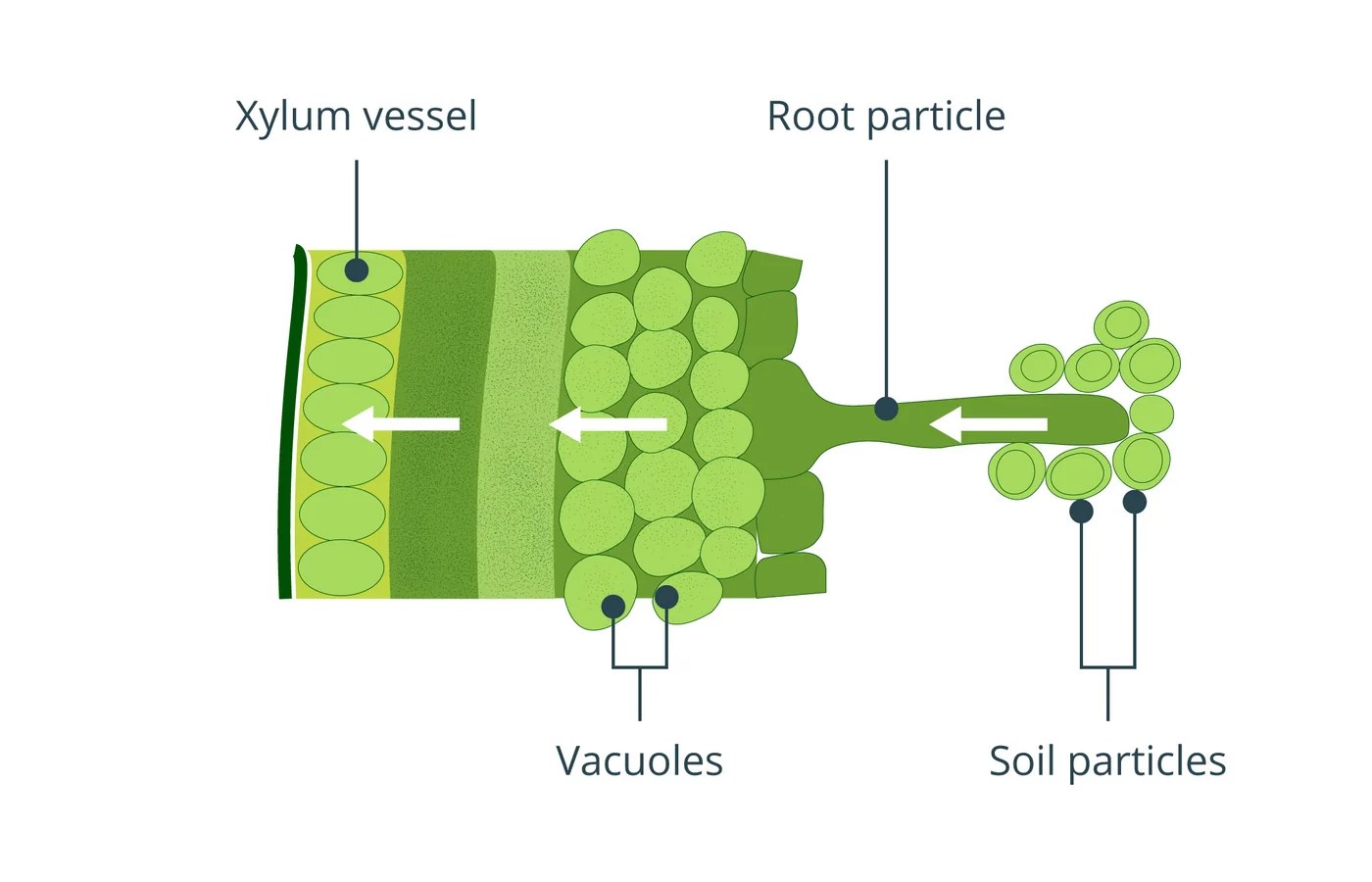
Fig. 08Plant cell · Botany 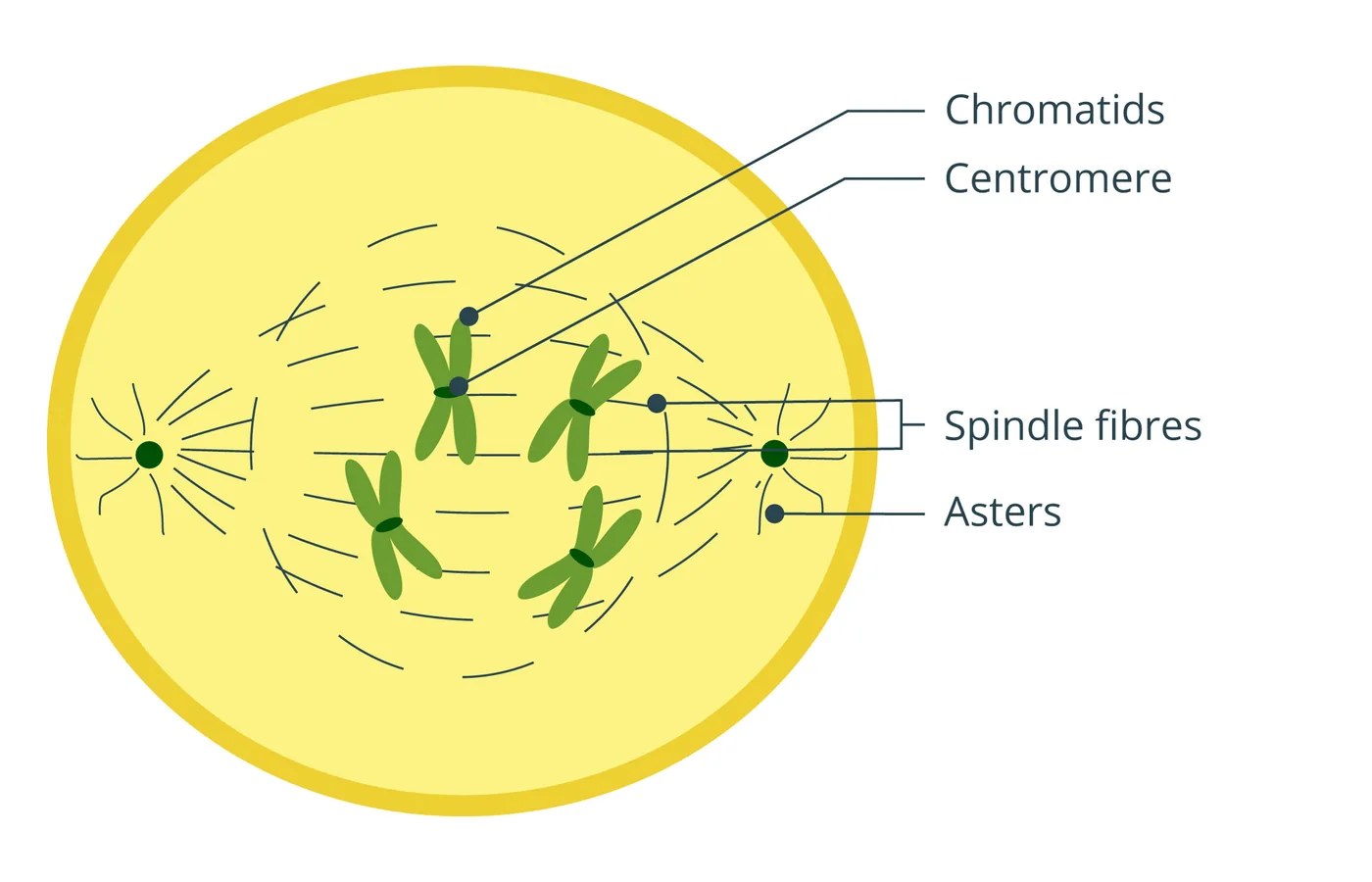
Fig. 09Mitosis · Cell biology 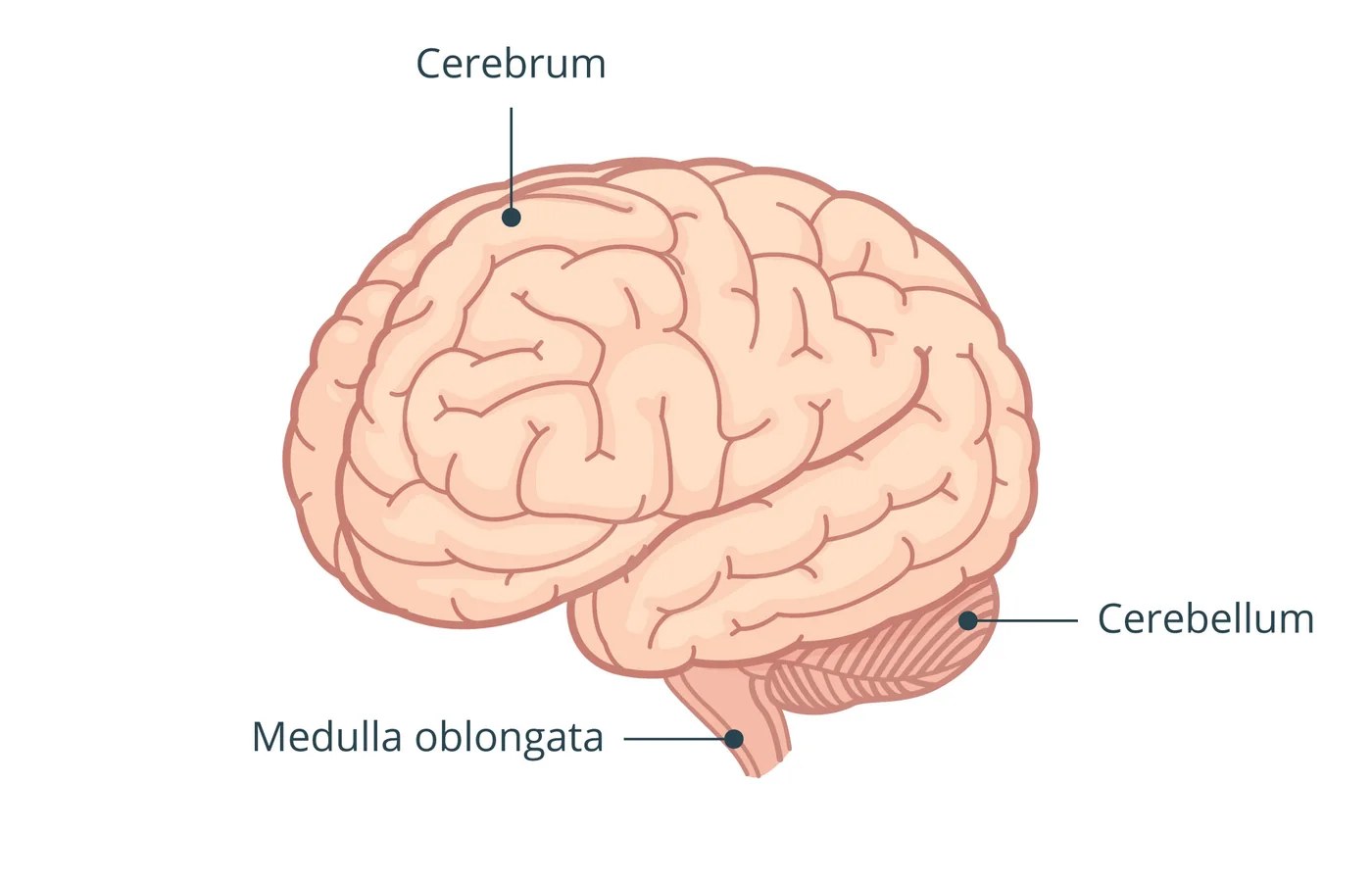
Fig. 10Brain · Anatomy 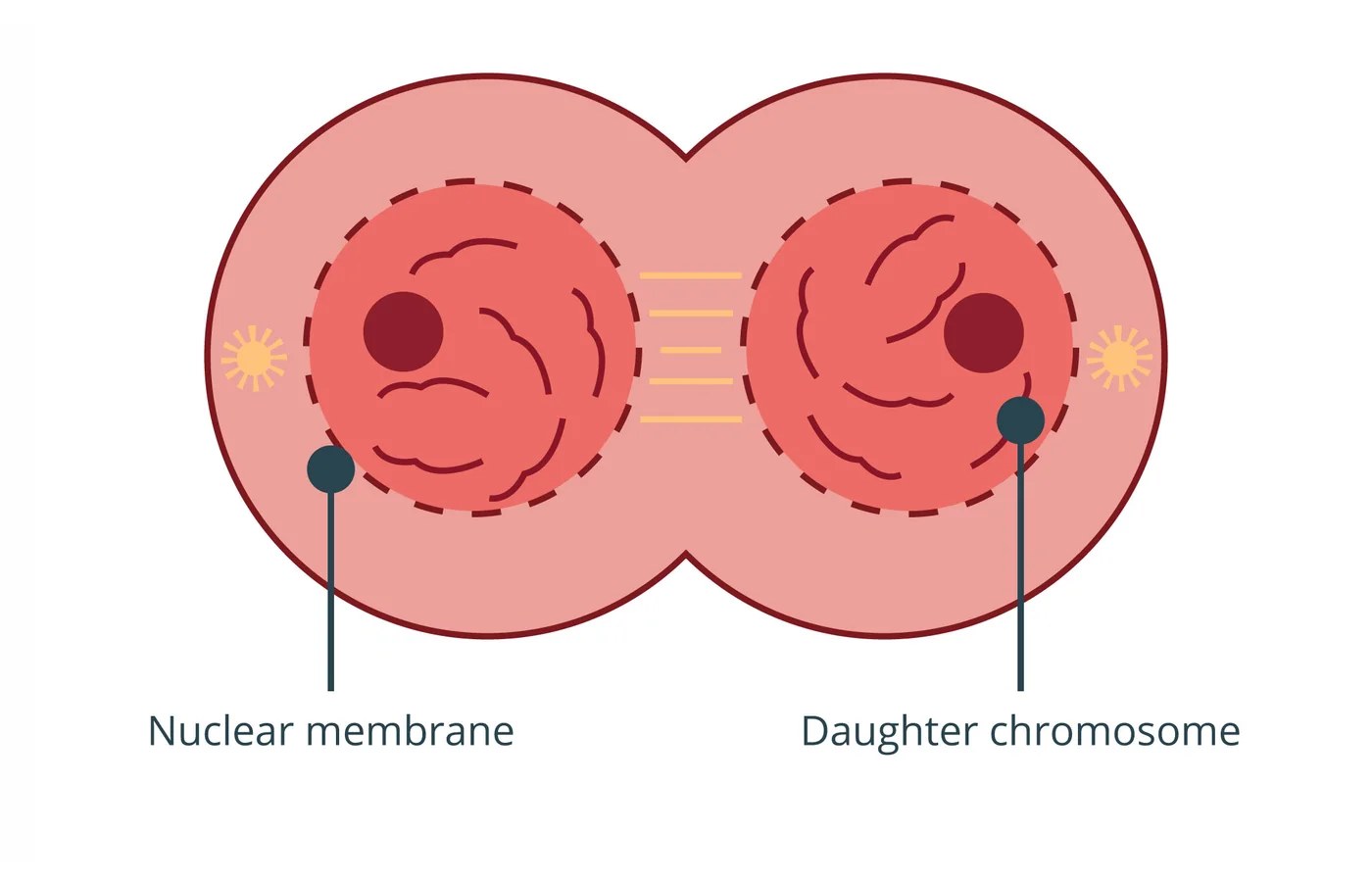
Fig. 11Cell nucleus · Cell biology 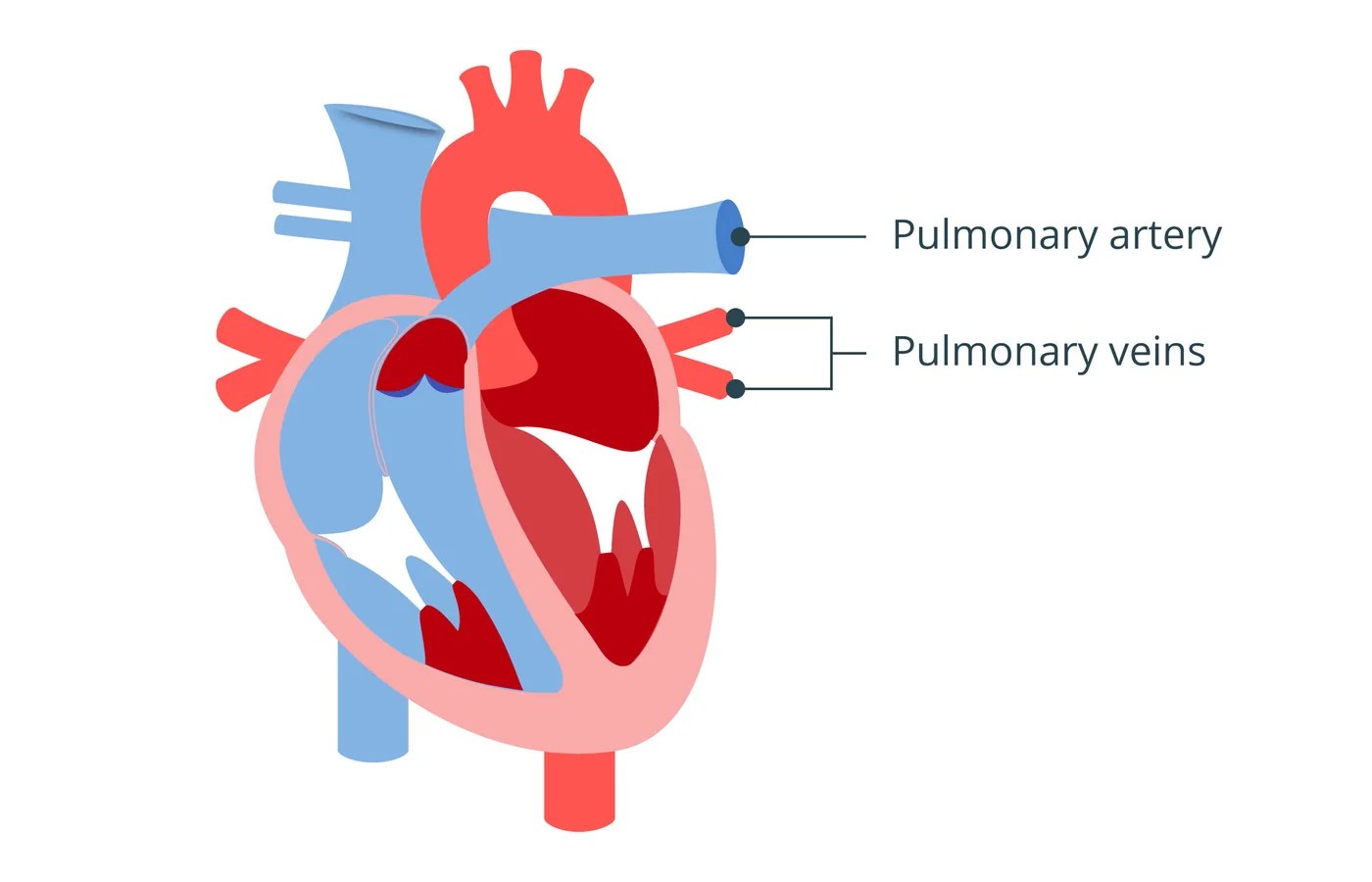
Fig. 12Heart circulation · Anatomy 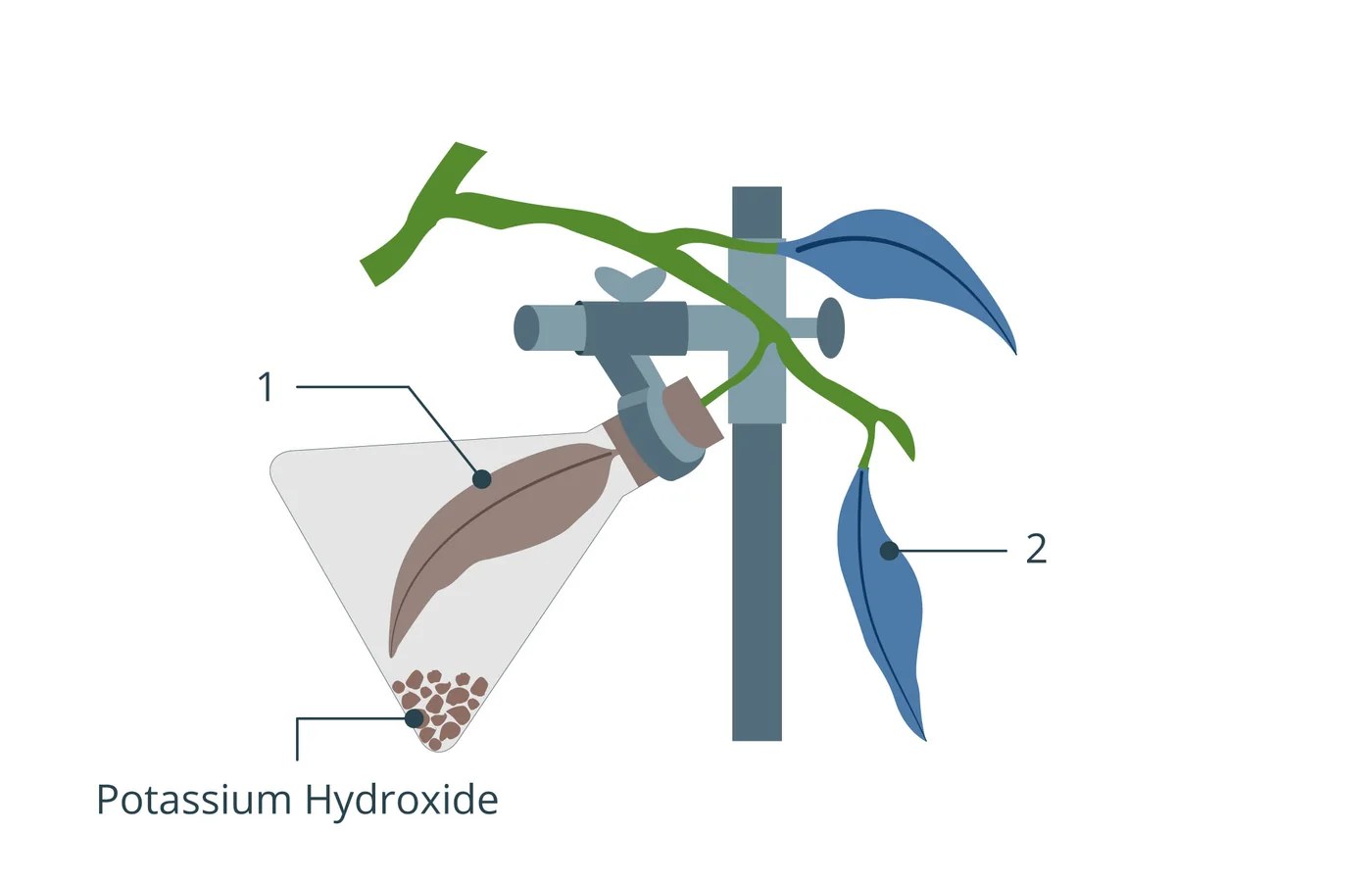
Fig. 13Plant parts · Botany 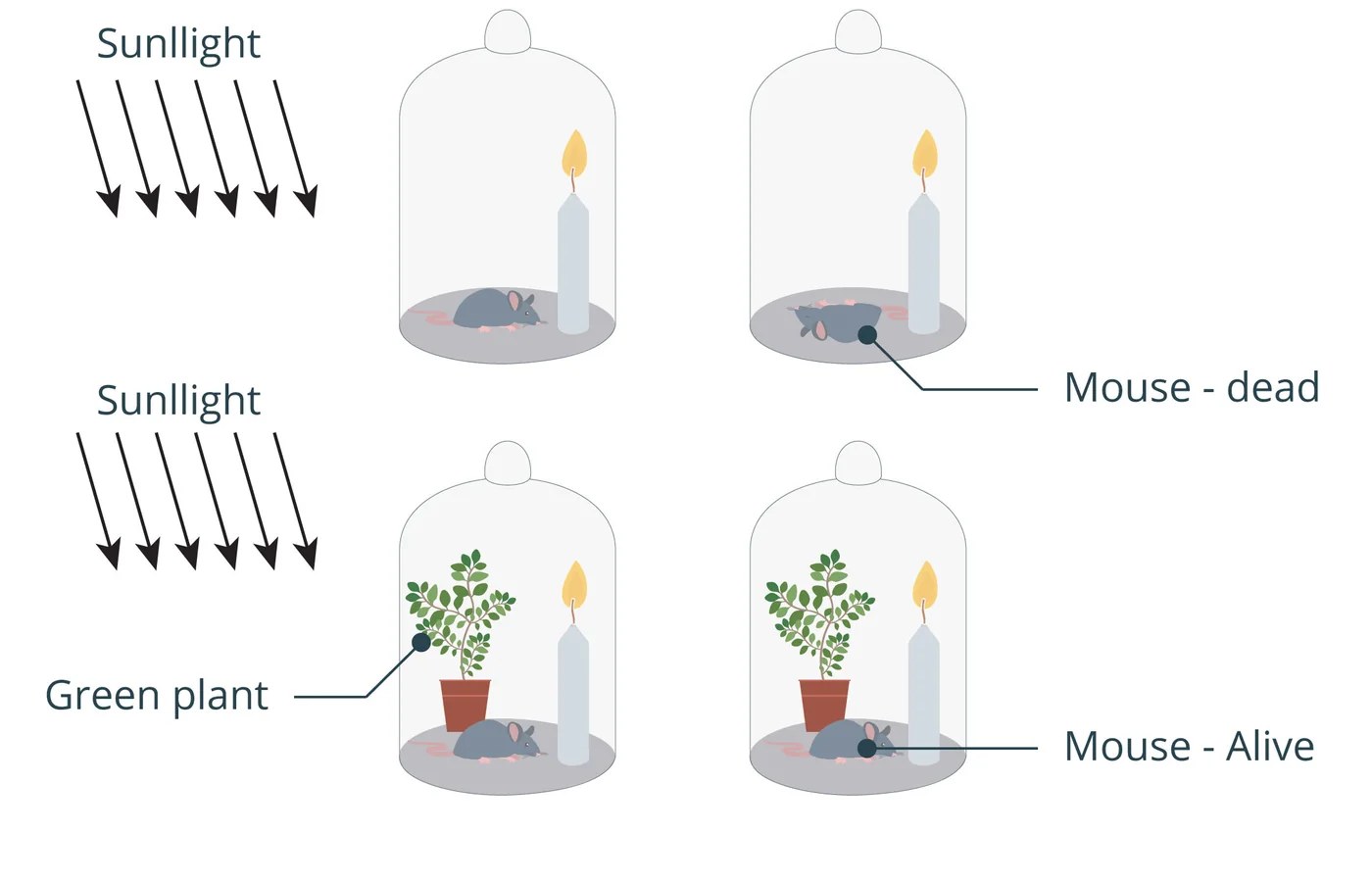
Fig. 14Photosynthesis experiment · Botany 
Fig. 15Cell division · Cell biology


06 Outcome
The system outlived the project.
- 10,000+vector graphics in the libraryUsed across the design team.
- 400+base templatesFlowcharts, comparisons, processes, labels and timelines.
- 1shared component libraryKept in use by the team after I left.
Looking back
I built this before I had the language for it — pre “design ops”, pre AI. It was simply: make a system so there’s less work next time. It was my first real pipeline, and everything I build now is a more sophisticated version of the same instinct.